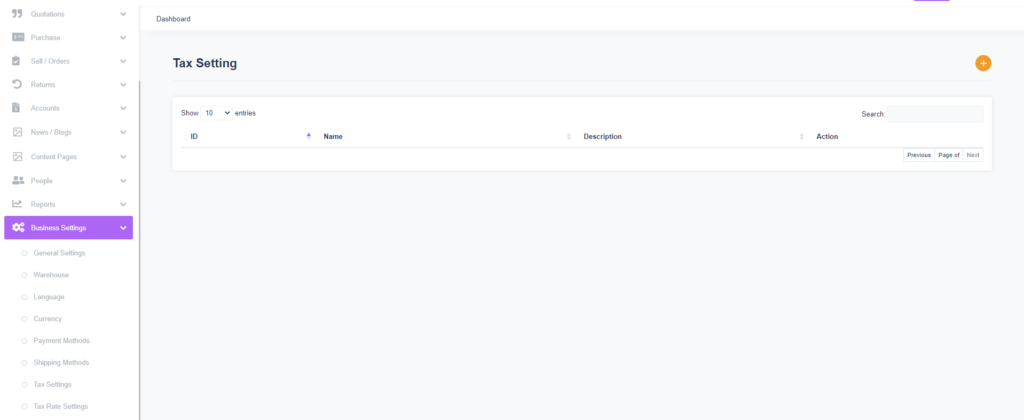
Tax/Location/Coupons
This chapter covers Tax Rates settings and Tax Settings.
Tax Rates settings#
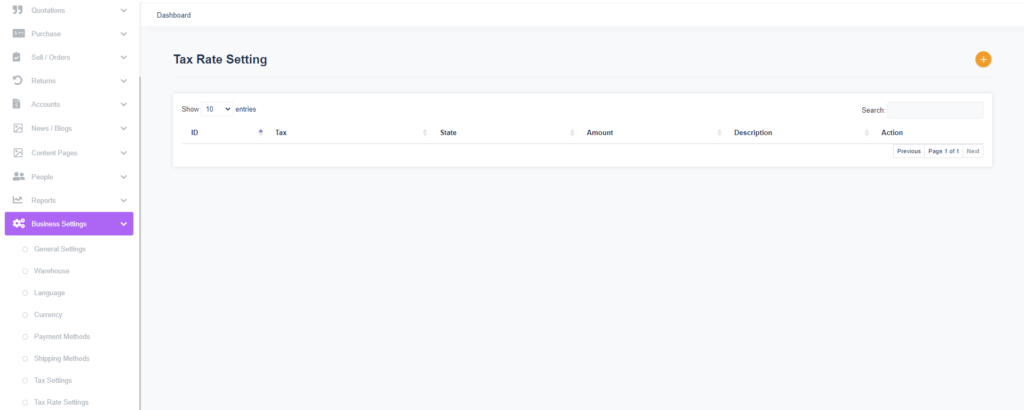
You can get all Tax rates of different zones with respect to their tax classes.
Through Add Tax Rate, you can define the percentage of applicable taxes specifically for certain zones.
You will be needing to add the following fields in order to set Tax rates :
- Tax class
- Select State
- Tax Rate
- Description
Use below link for add tax rates :
Open https://your-site.com/admin/tax-rate-setting
Bussiness Settings -> Rate Tax Settings
Tax Settings#
Through this option, you can choose a certain tax class for certain products that fall under a specific tax class. For instance, some products may fall under the garments class, some may fall under the edible class.
Use below link for list of tax classes you can add GST and sales tax etc.
Bussiness Settings -> Tax Settings
You can add the Tax Name and description inorder to add the tax class.
Open https://your-site.com/admin/tax-setting