
Reports
This chapter covers Reports Profit/Loss, Stock Alert Report, Expense Report, Purchase Report, Stock Report, Supplier Report, Stock Adjustment Report, Sale Report, Customers Report and Out of stock Report.
Reports Profit/Loss#
Reports->Profit/Loss
In this section you can check the reports of profit and loss.
Open https://your-site.com/admin/profit-loss-report

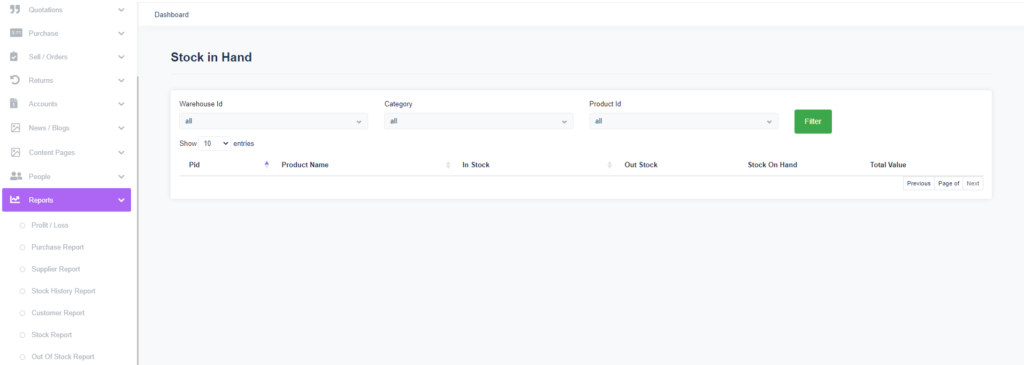
Stock Alert Report#
Reports->Stock Alert Report
In this section you can check the reports of all the stock alerts.
Open https://your-site.com/admin/stock-report
Expense Report#
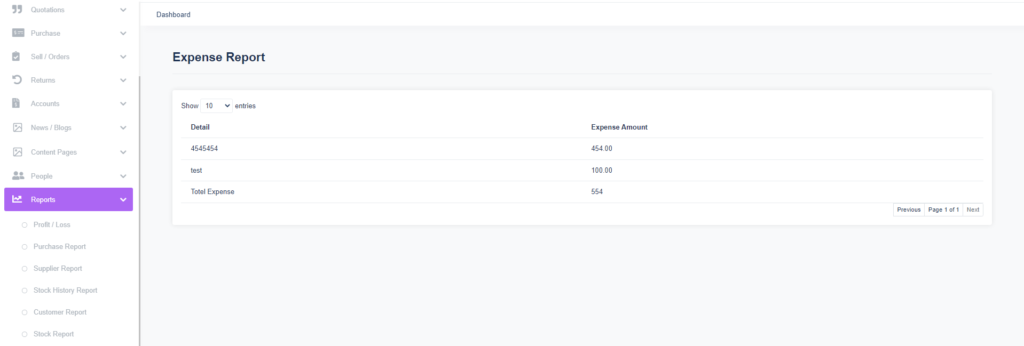
Reports->Expense Report
In this section you can check the reports of all the expenses.
Open https://your-site.com/admin/expense-report
Purchase Report#
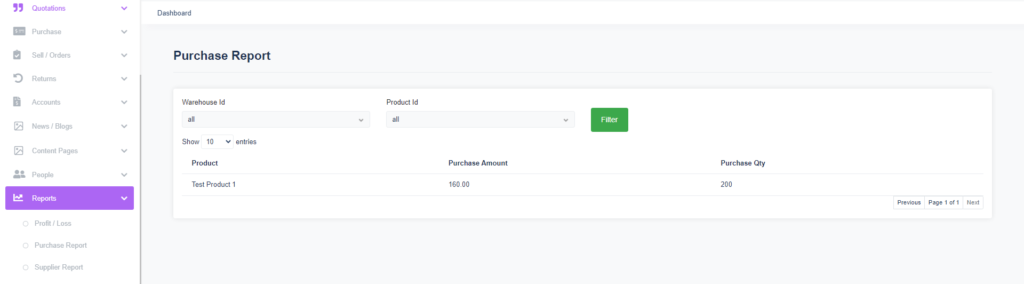
Reports->Purchase Report
In this section you can check the reports of all the purchases.
Open https://your-site.com/admin/purchase-report
Stock Report#
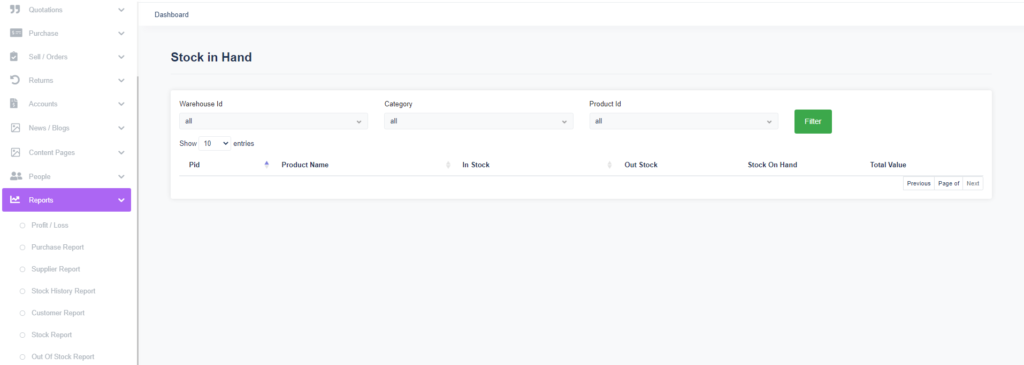
Reports->Stock Report
In this section you can check the reports of all the stocks.
Open https://your-site.com/admin/stock-report
Supplier Report#
Reports->Supplier Report
In this section you can check the reports of all the suppliers.
Open https://your-site.com/admin/supplier-report

Stock Adjustment Report#
Reports->Stock History
In this section you can check the reports of all the stock adjustments. You can Select Stock Adjusment in Type Field and filter it
Open https://your-site.com/admin/stock-history-report

Sale Report#
Reports-> Expense Report
In this section you can check the reports of all the sales.
Open https://your-site.com/admin/expense-report

Customers Report#
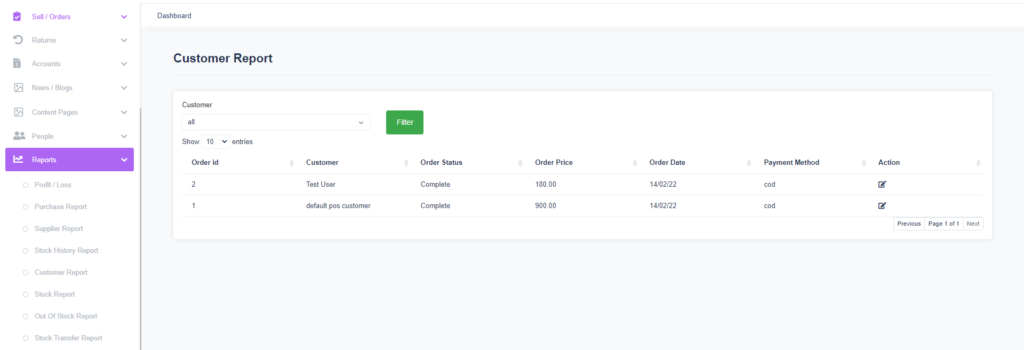
Reports->Customers Report
In this section you can check the reports of all the customers.
Open https://your-site.com/admin/order-report
Out of stock Report#
Reports->Out of stock Report
In this section you can check the reports of all the products which are out of stock.
Open https://your-site.com/admin/out-of-stock-report
