Payments & Shipping
This chapter covers Shipping Methods and Payment Methods.
Shipping Methods#
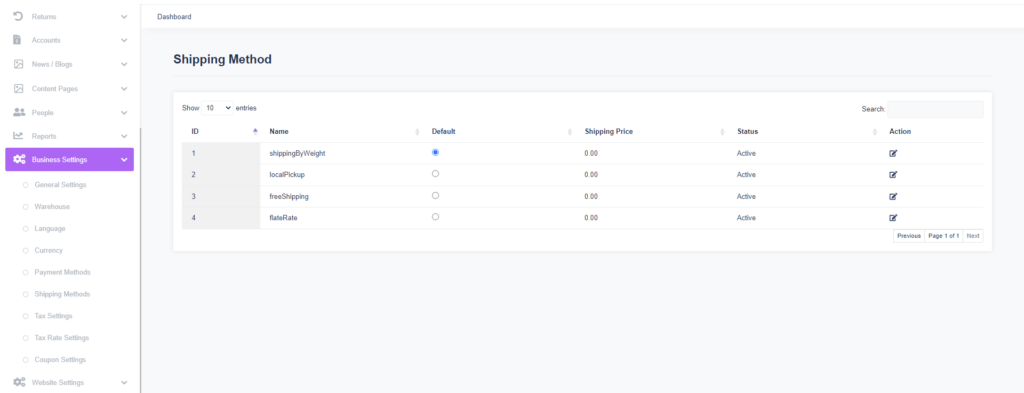
This enables you to choose the shipping method that you allow for the delivery of ordered products. To manage shipping methods use below link.
Open https://your-site.com/admin/shipping-methods
Bussiness Settings -> Shipping Methods
This enables you to choose the shipping method that you allow for the delivery of ordered products. To manage shipping methods
Above given URL contains shipping methods list that are integrated with the app. You can choose any one of them according to desire.
We have offered 4 options for shipping. You can select between the following options :
Shipping By Weight
Free Shipping
Local Pickup
Flate Rate
Payment Methods#
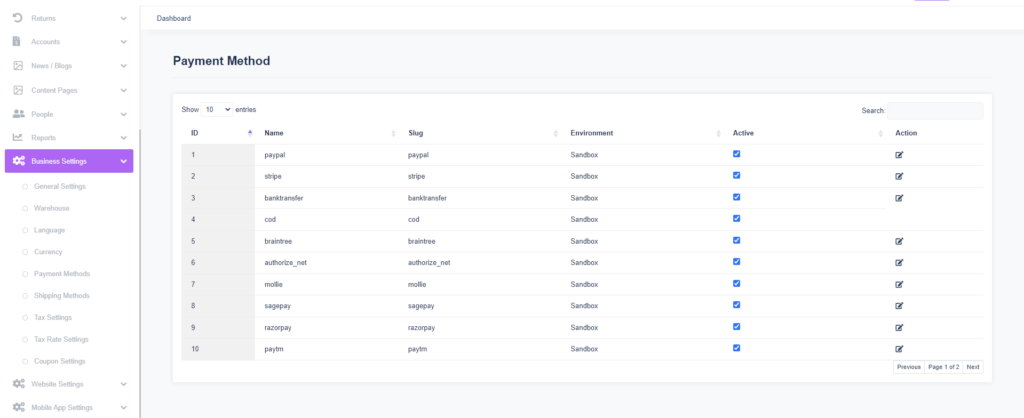
From the following URL you can select the Payment gateway that we have added in the System
Open https://your-site.com/admin/payment-methods#
Bussiness Settings -> Payment Methods
You can select the payment gateway that you want to use.
- Activate the payment gateway that you want to use.
- Add the Payment Gateway Api Credentials
- Select the environment you want to set to test if for Sandbox or Live environment.
- Your payment gateway will be visible in the application and website once you have activated it.