
Templeto Kit
Templeto Kit
Templeto Kit is our Shopify app for Templeto stores. It adds the sales tools you'd usually install five or six apps for, such as bundles, volume discounts, cart upsells, a free-shipping bar and a spin-to-win popup, designed to match Templeto.
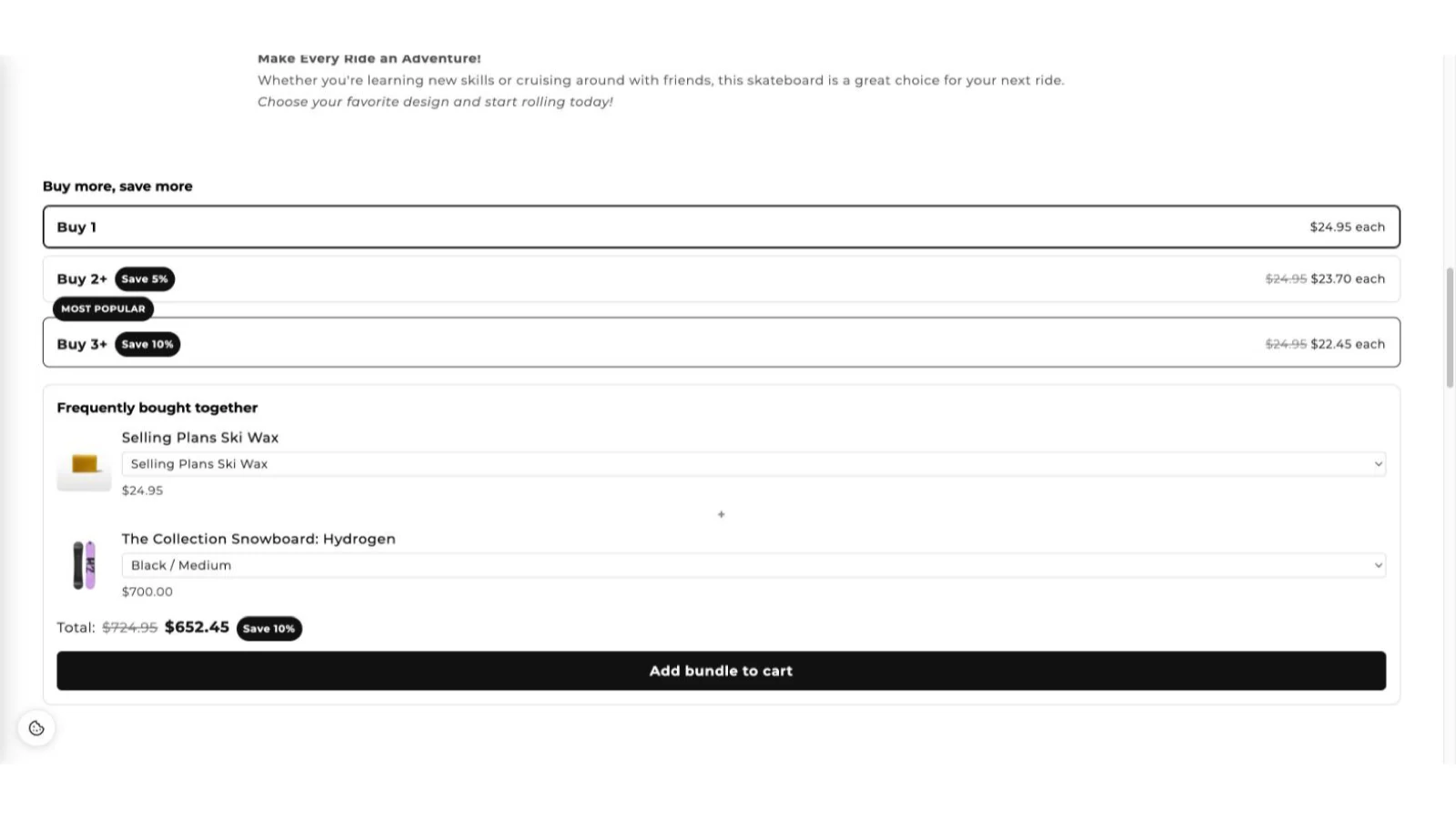
Why use it with Templeto#
- One app instead of many. 29 tools in one app, with one bill and one place to manage them.
- Matches your theme. Widgets pick up Templeto's fonts, colours and buttons, and fit the Templeto cart drawer.
- Real discounts at checkout. Offers use Shopify's own discount functions, so prices are correct in checkout.
- Perks for Templeto owners. Growth plan free for six months, then 30% off for life. See Plans.
Set it up in three steps#
- Install Templeto Kit from the Shopify App Store and approve the permissions in your Shopify admin. See Install the app.
- Turn on the app embed. In the app's dashboard, choose Turn on app embed. It opens the theme editor at App embeds, with Templeto Kit selected. Choose Save.
- Turn on features. Open Features in the app, switch on the tools you want and set them up. Product page widgets appear as app blocks you can move in the theme editor.
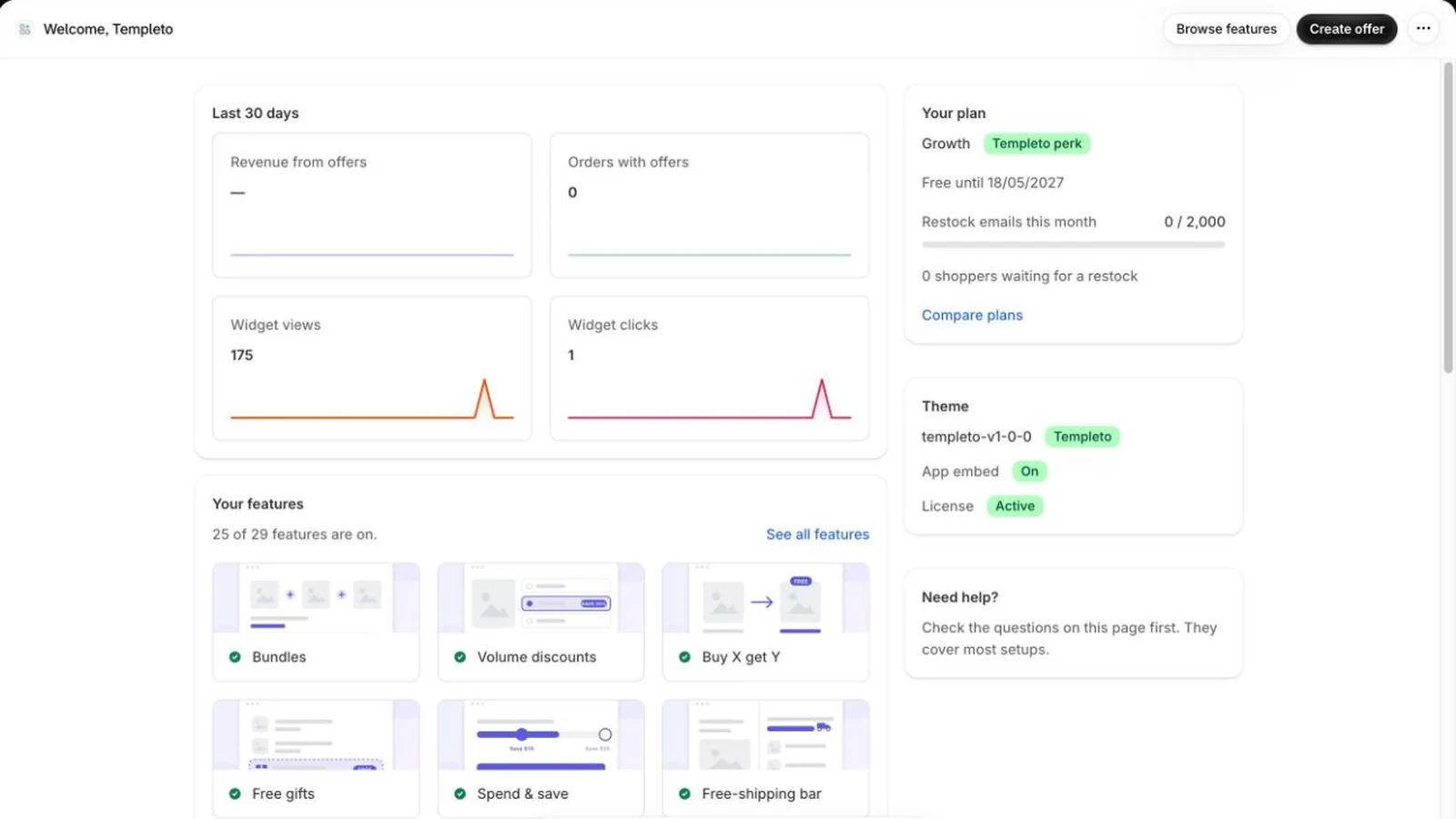
Templeto already includes some of these features, such as a wishlist, a countdown timer and an announcement bar. Use either the theme's version or the Kit's, not both, so shoppers don't see them twice.
Kit documentation#
This chapter is a summary. The full guide for every feature is in the Templeto Kit documentation.