
Demos
Demo stores
Templeto comes with 54 demo stores in seven industries. Each demo is a different mix of sections and settings built on the same theme, so everything you see in any demo is available in your copy.
Open a demo to see it live. Use the buttons to filter by industry.
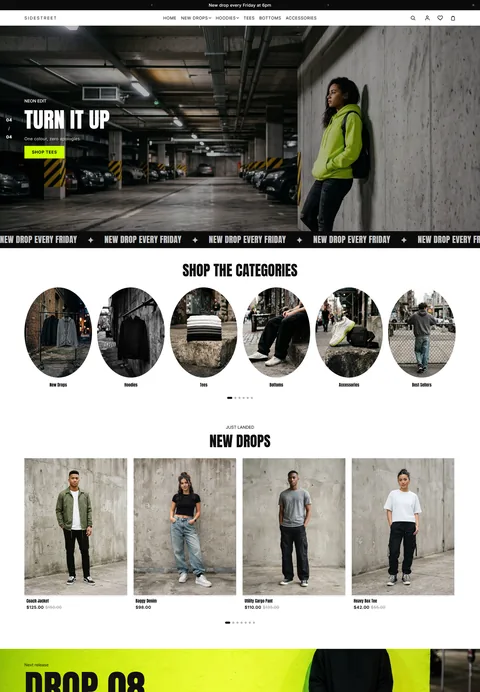 SidestreetFashion
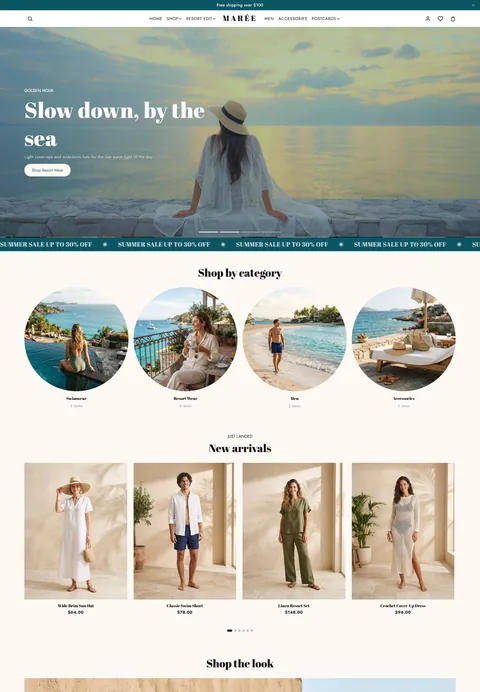 MaréeFashion
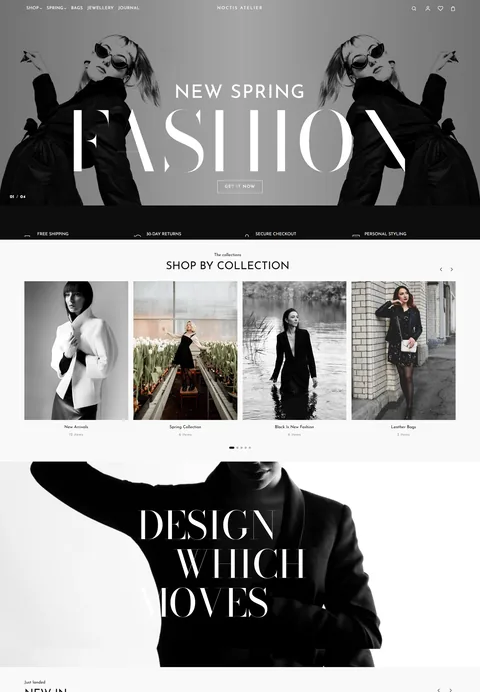 Noctis AtelierFashion
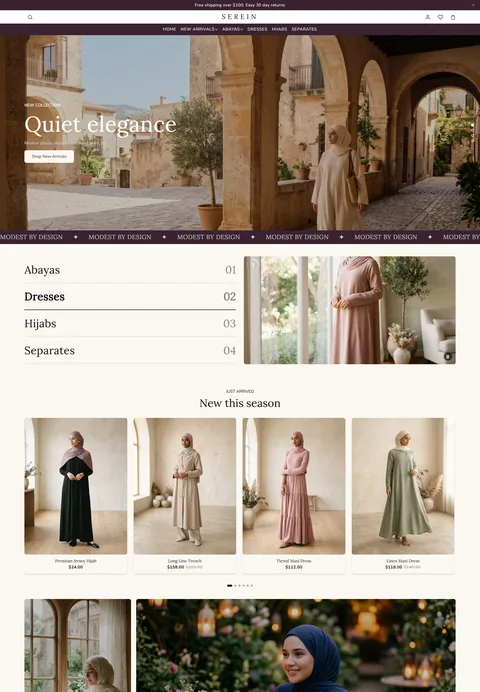 SereinFashion
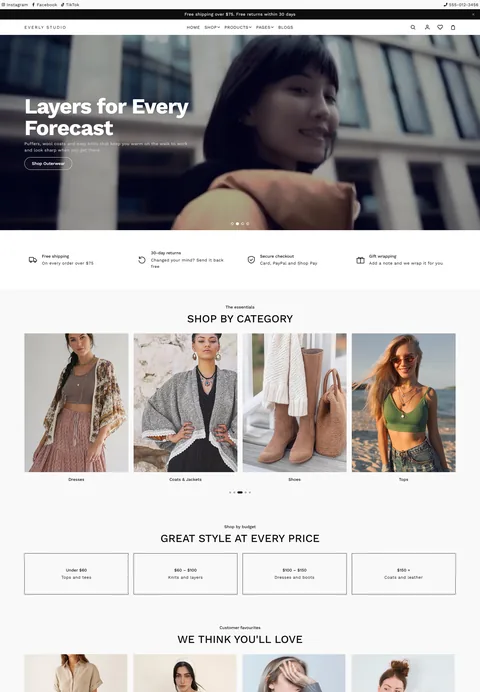 Everly StudioFashion
 IvelleFashion
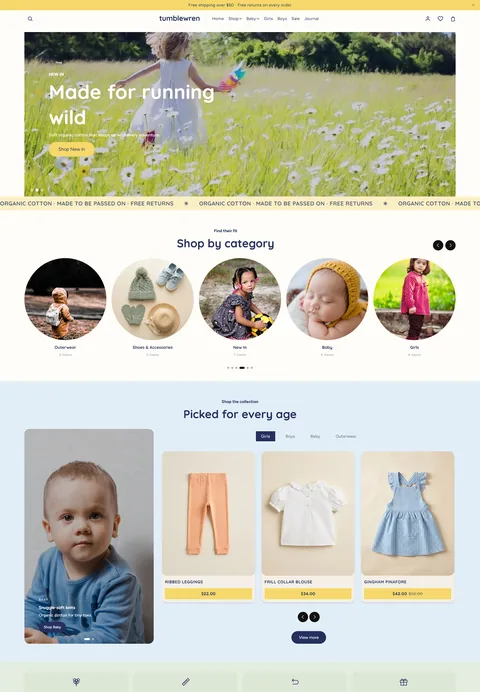 TumblewrenFashion
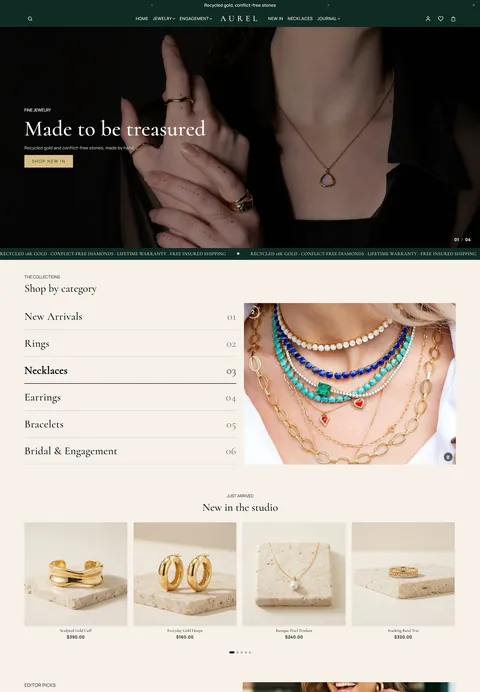 AurelFashion
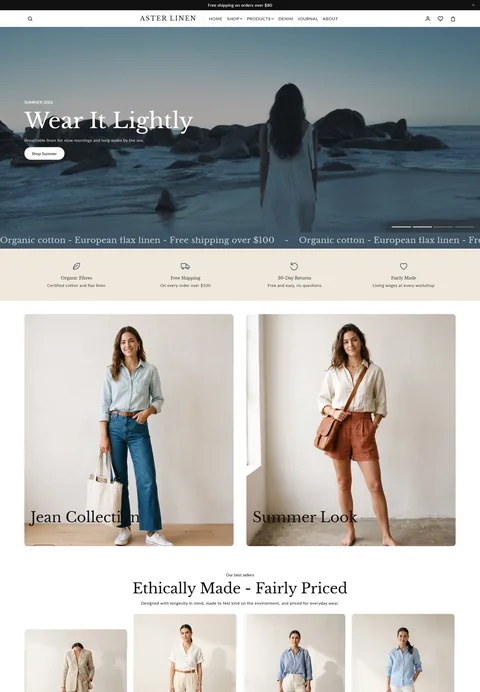 Aster LinenFashion
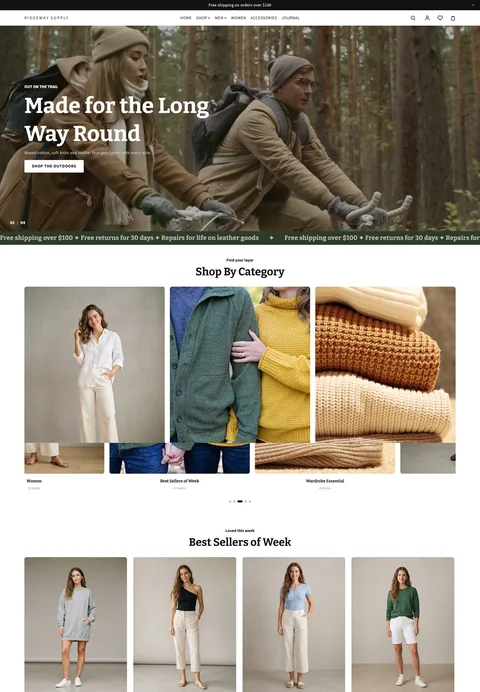 Ridgeway SupplyFashion
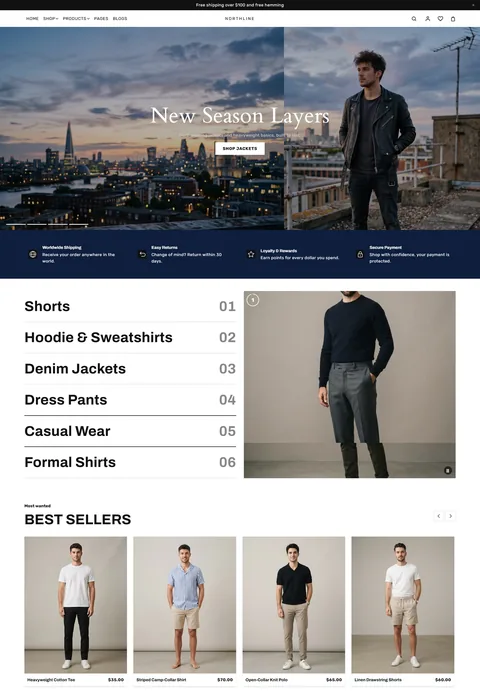 NorthlineFashion
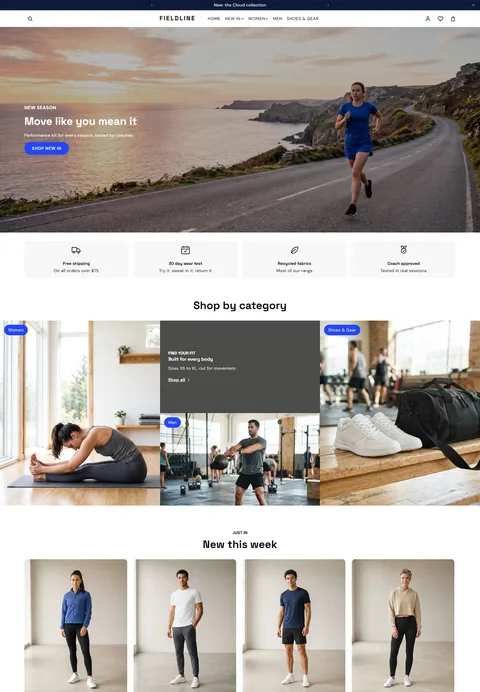 FieldlineFashion
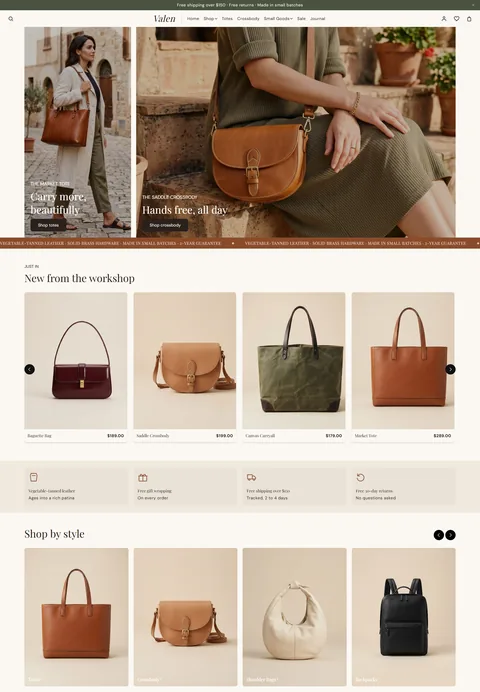 ValenAccessories
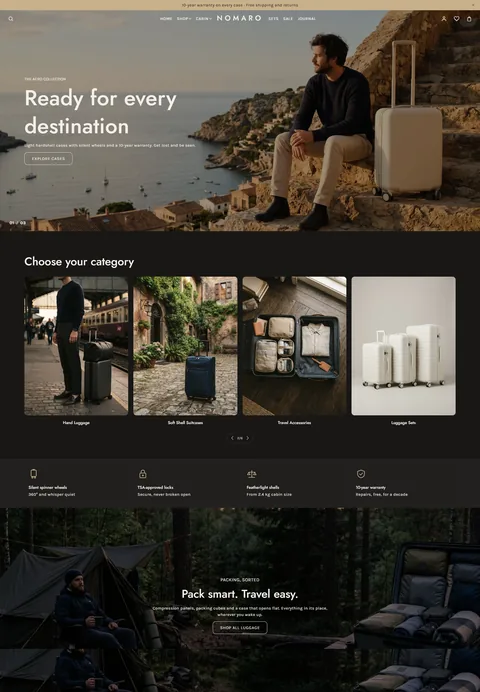 NomaroAccessories
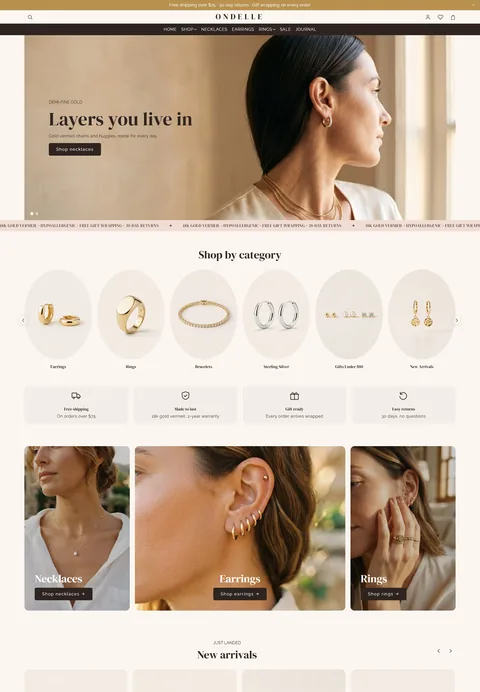 OndelleAccessories
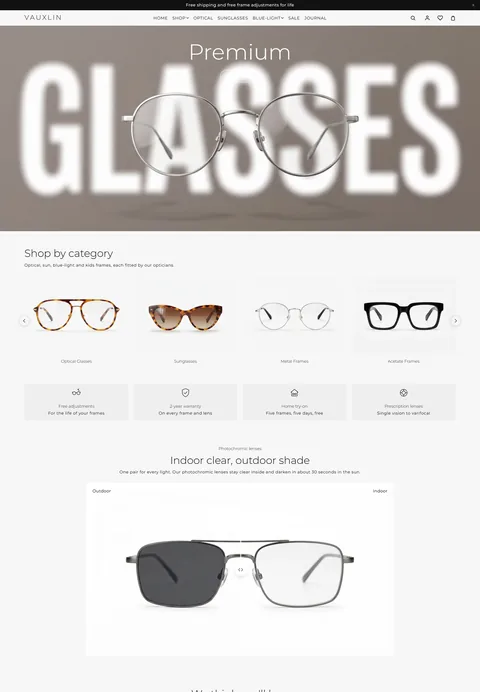 VauxlinAccessories
 VoltaAccessories
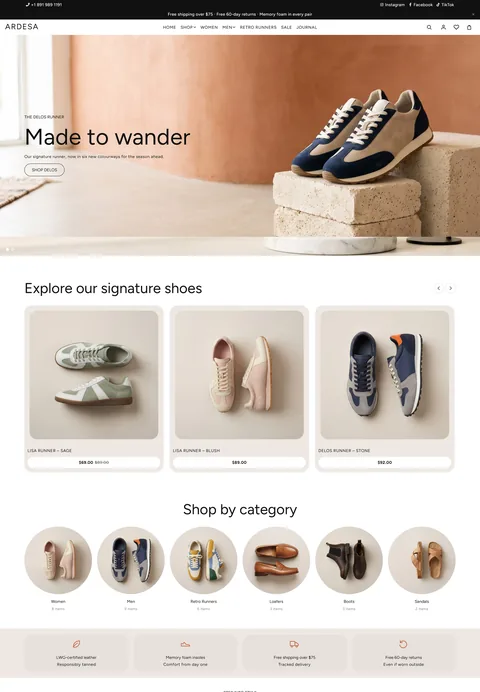 ArdesaAccessories
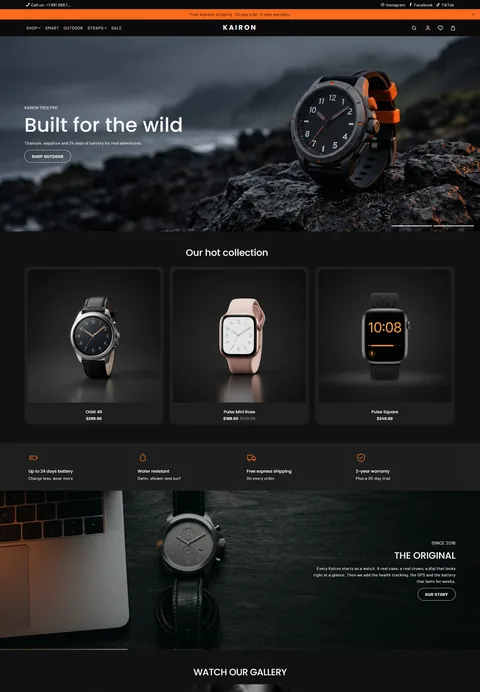 KaironAccessories
 KorvaxElectronics
 ZephraElectronics
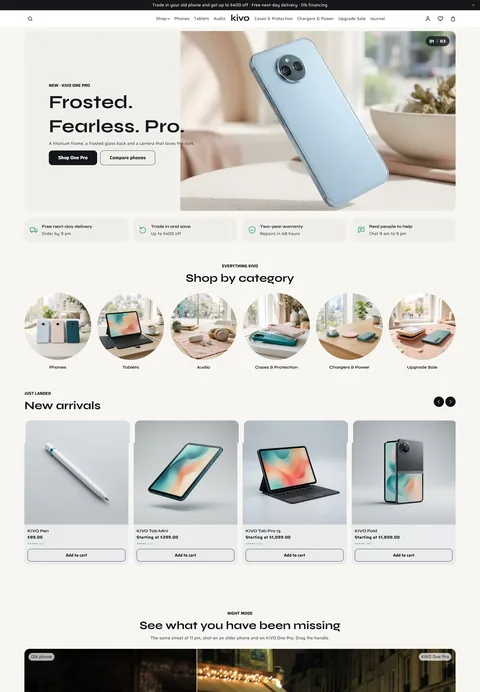 KivoElectronics
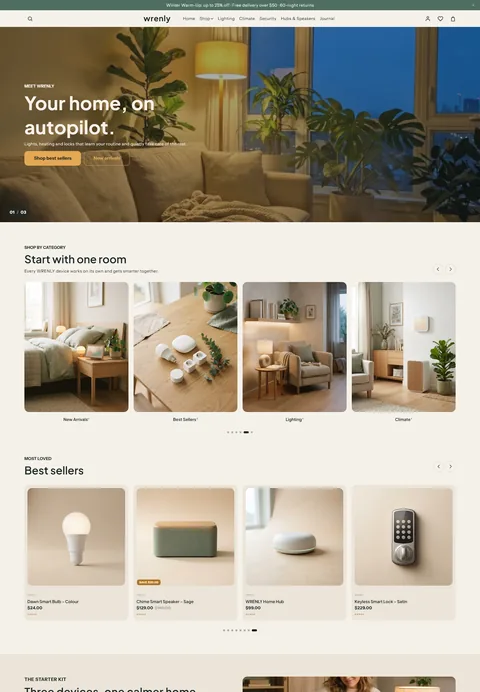 WrenlyElectronics
 TaktilElectronics
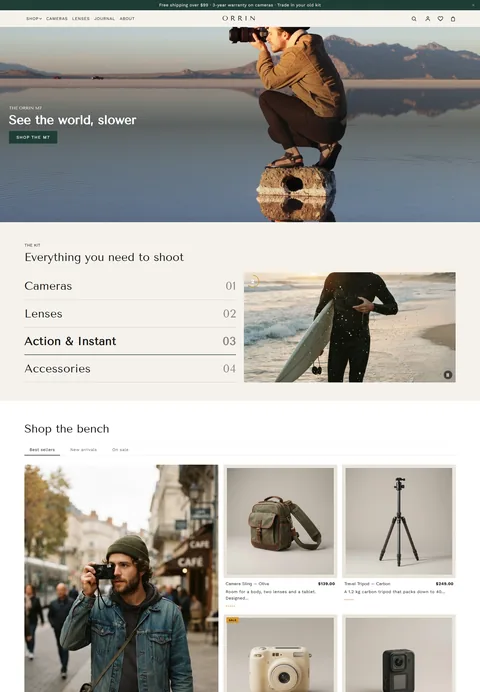 OrrinElectronics
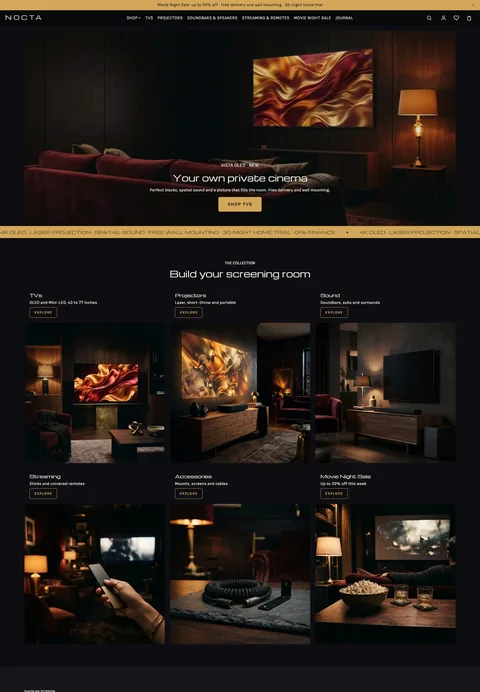 NoctaElectronics
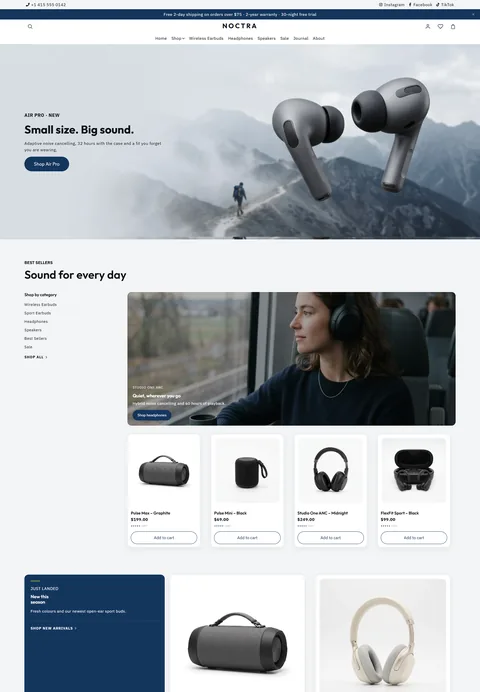 NoctraElectronics
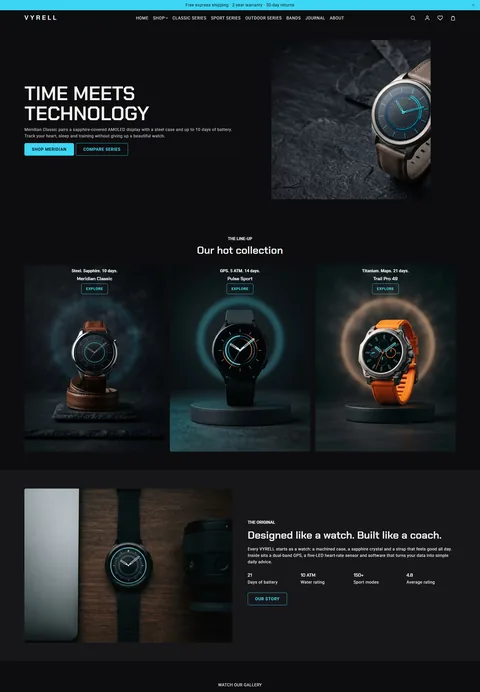 VyrellElectronics
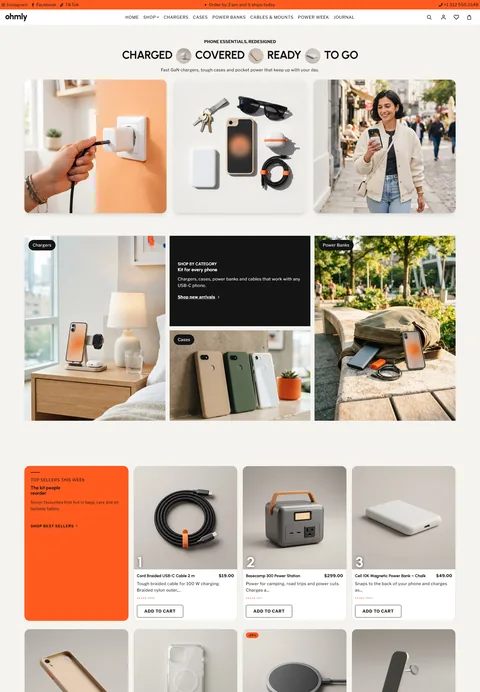 OhmlyElectronics
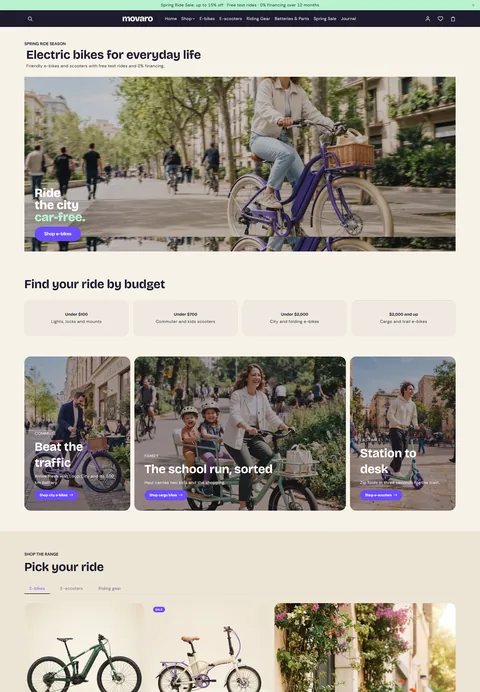 MovaroElectronics
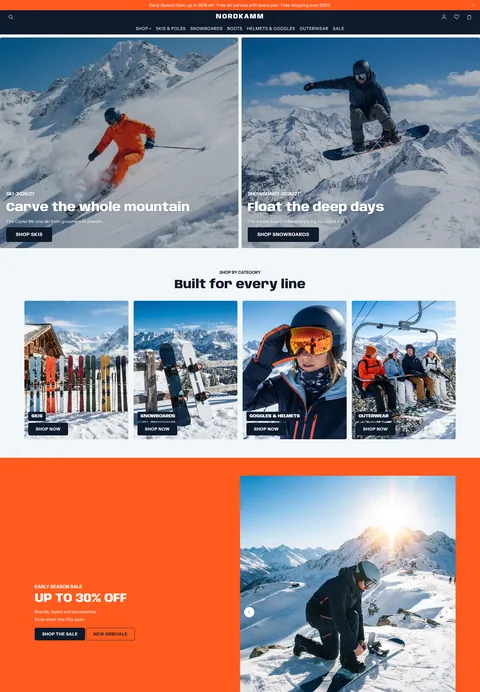 NordkammOutdoor
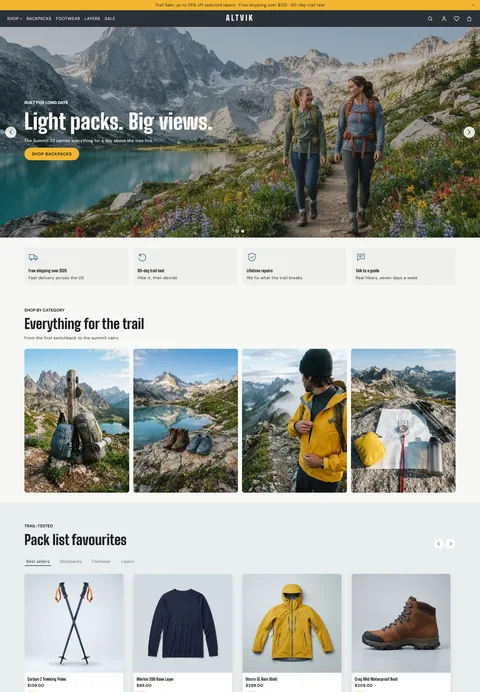 AltvikOutdoor
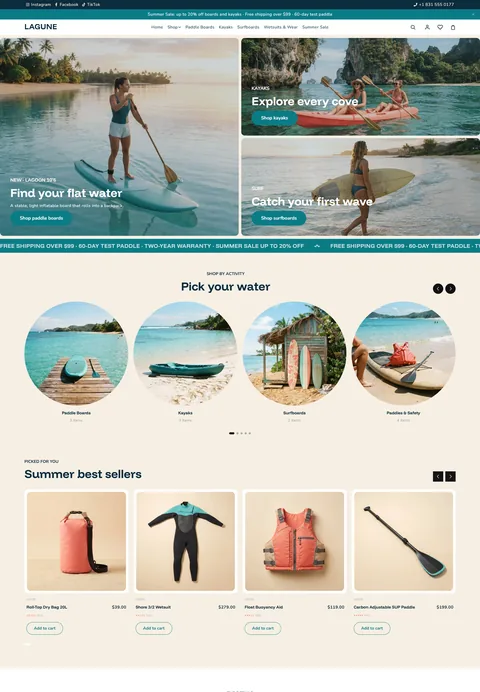 LaguneOutdoor
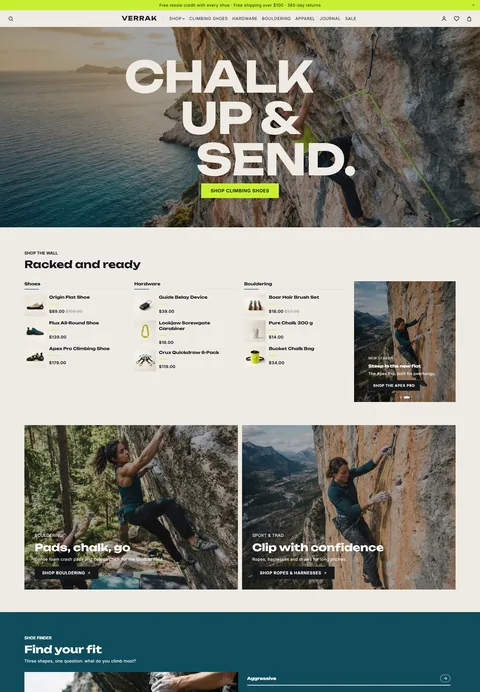 VerrakOutdoor
 FernholtOutdoor
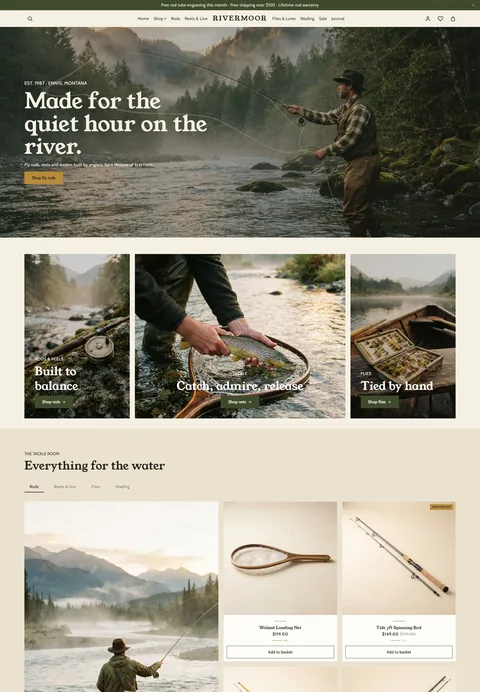 RivermoorOutdoor
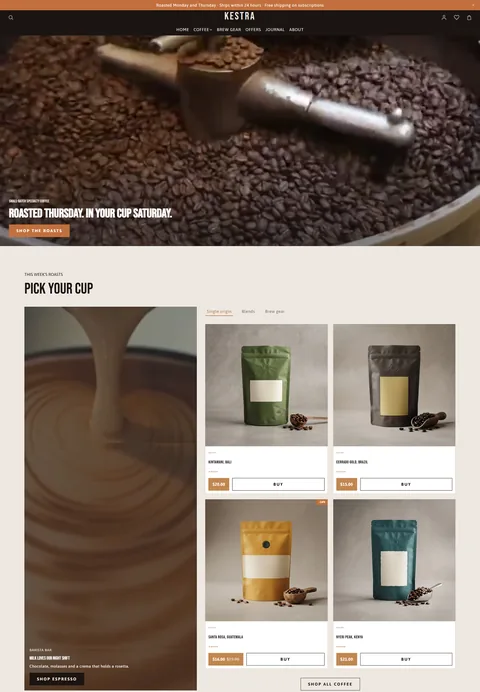 KestraFood
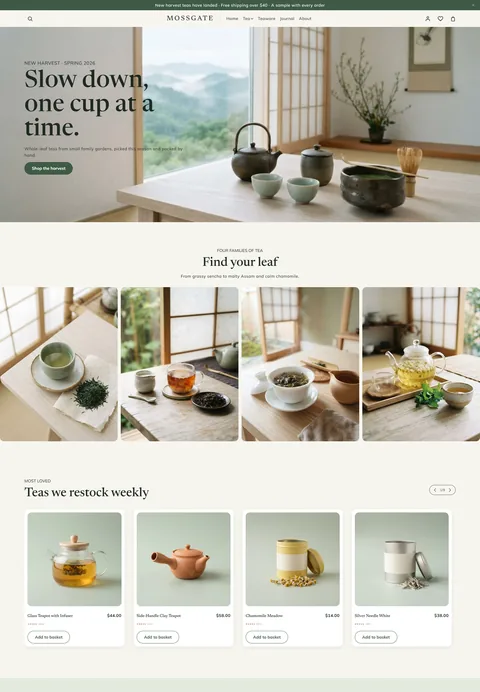 MossgateFood
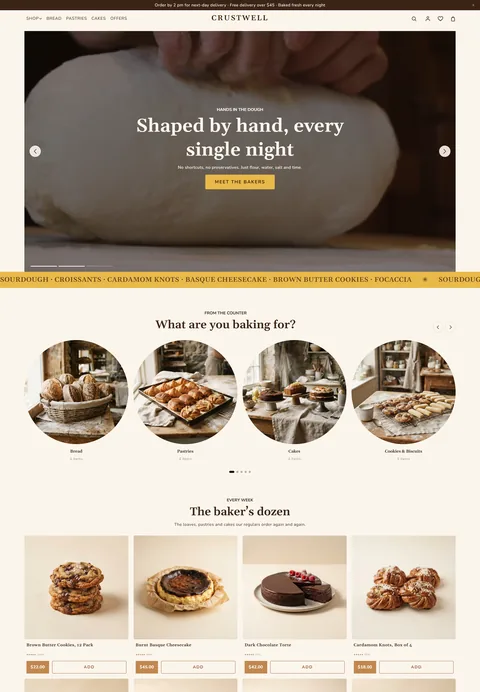 CrustwellFood
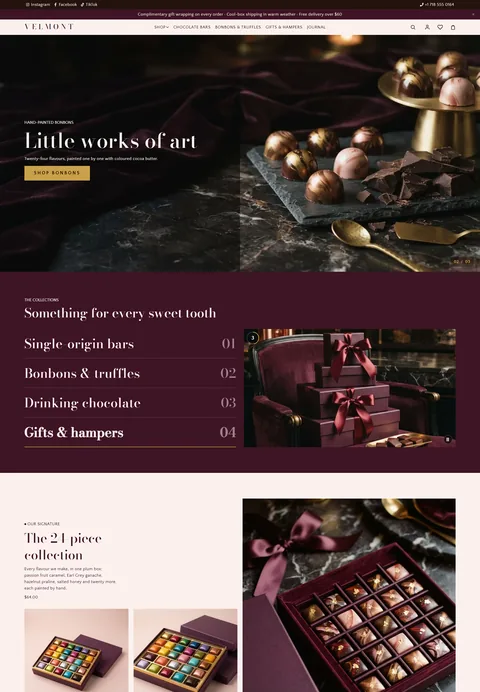 VelmontFood
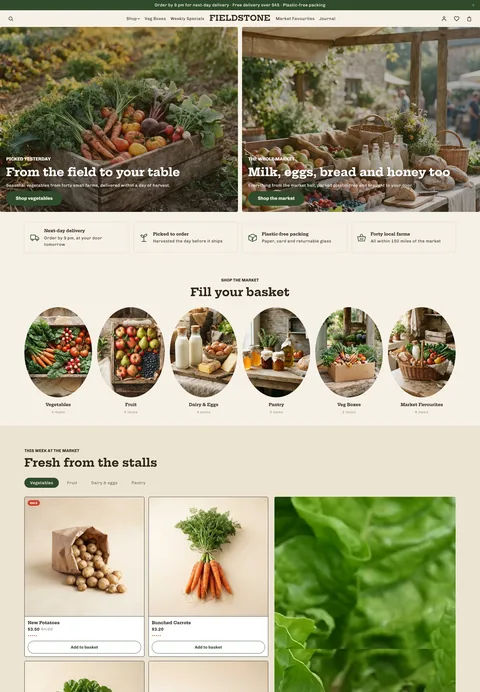 FieldstoneFood
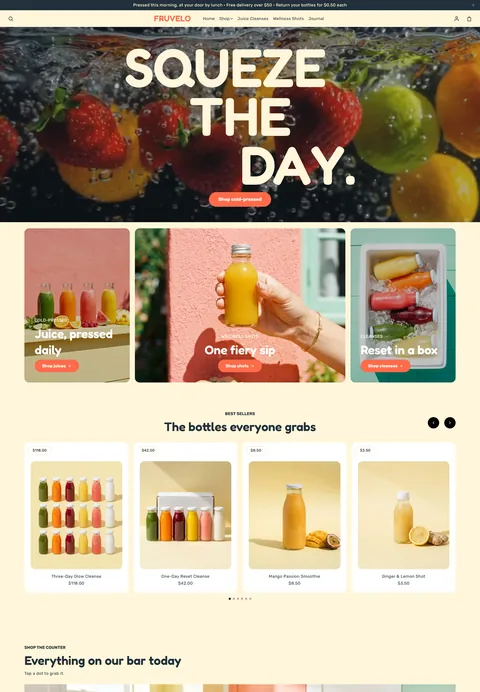 FruveloFood
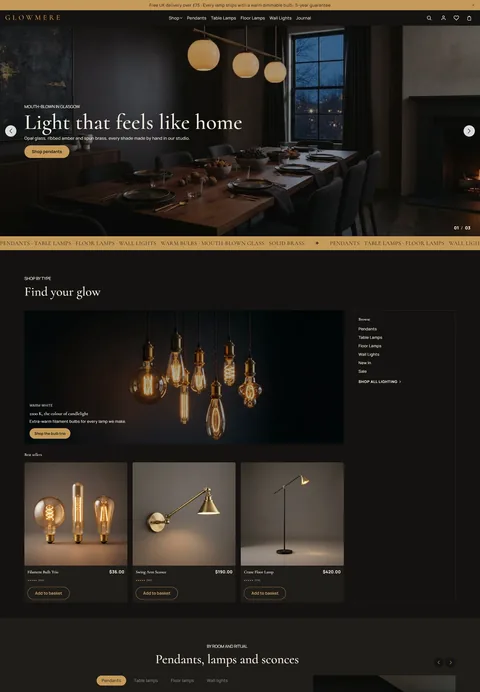 GlowmereHome
 KilnwardHome
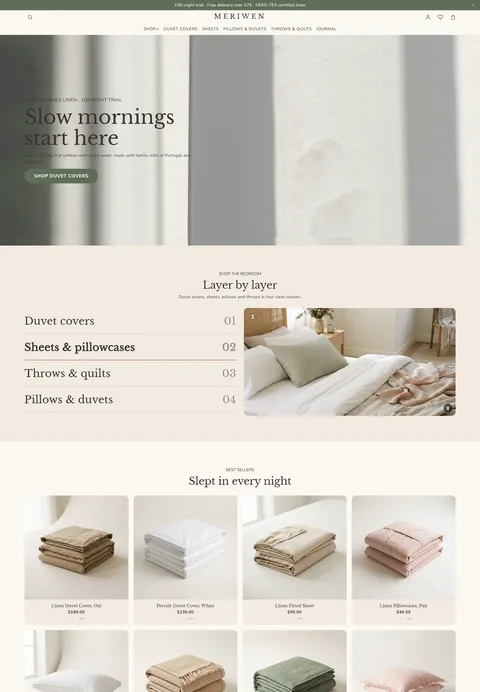 MeriwenHome
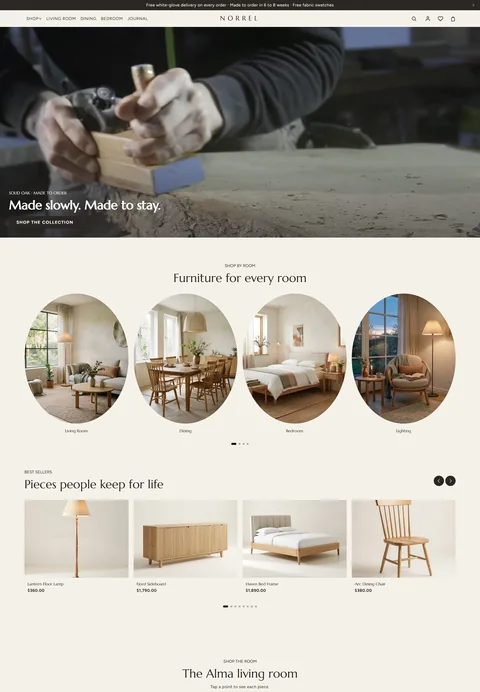 NorrelHome
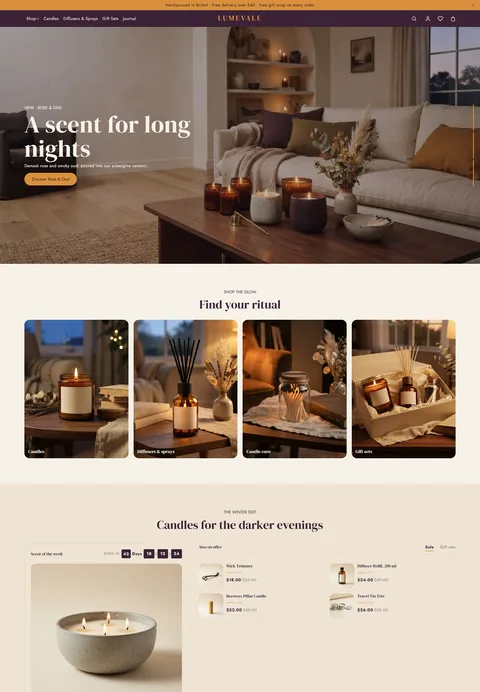 LumevaleHome
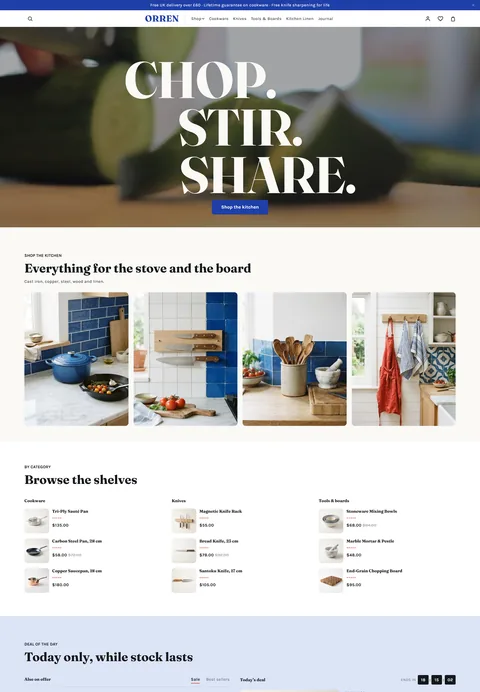 OrrenHome
 NoctiveBeauty
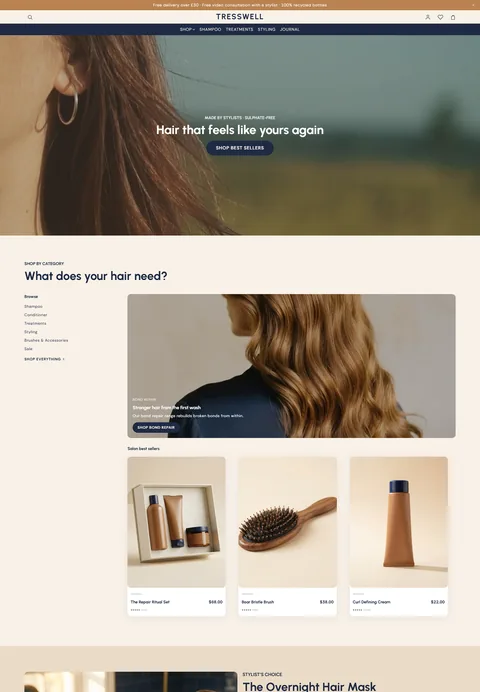 TresswellBeauty
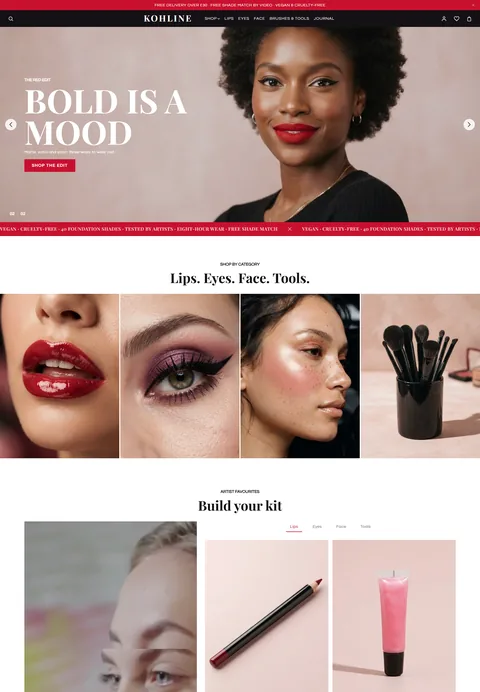 KohlineBeauty
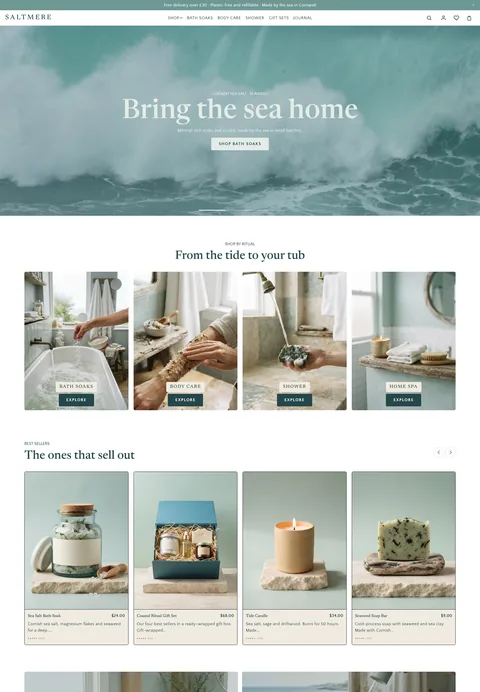 SaltmereBeauty
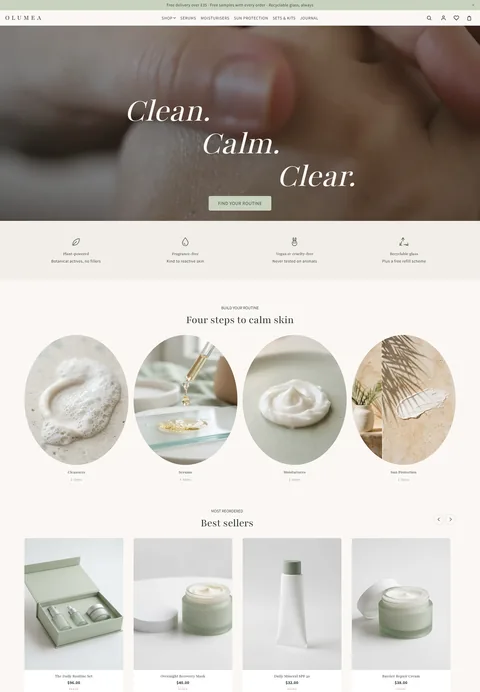 OlumeaBeauty
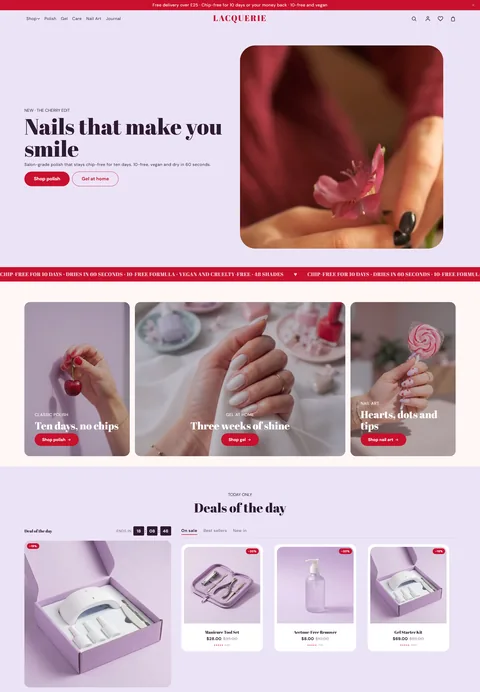 LacquerieBeauty
Make your store look like a demo#
Until one-click import is ready, you can rebuild any demo by hand in an hour or two:
- Open the demo and note the order of the sections on the home page.
- In the theme editor, add the same sections in the same order. The All sections list shows where each one lives under Add section.
- Set the colours and fonts in Theme settings → Colors and Typography.
- Pick your own collections, products and images in each section.
Can't tell which section you're looking at? Every section has a name in the theme editor that matches the All sections list. Ask support with the demo's name and a screenshot, and we'll tell you.