
Build your store
Header and navigation
The header is shared by every page. In the theme editor, select Header layouts at the top of the section list.
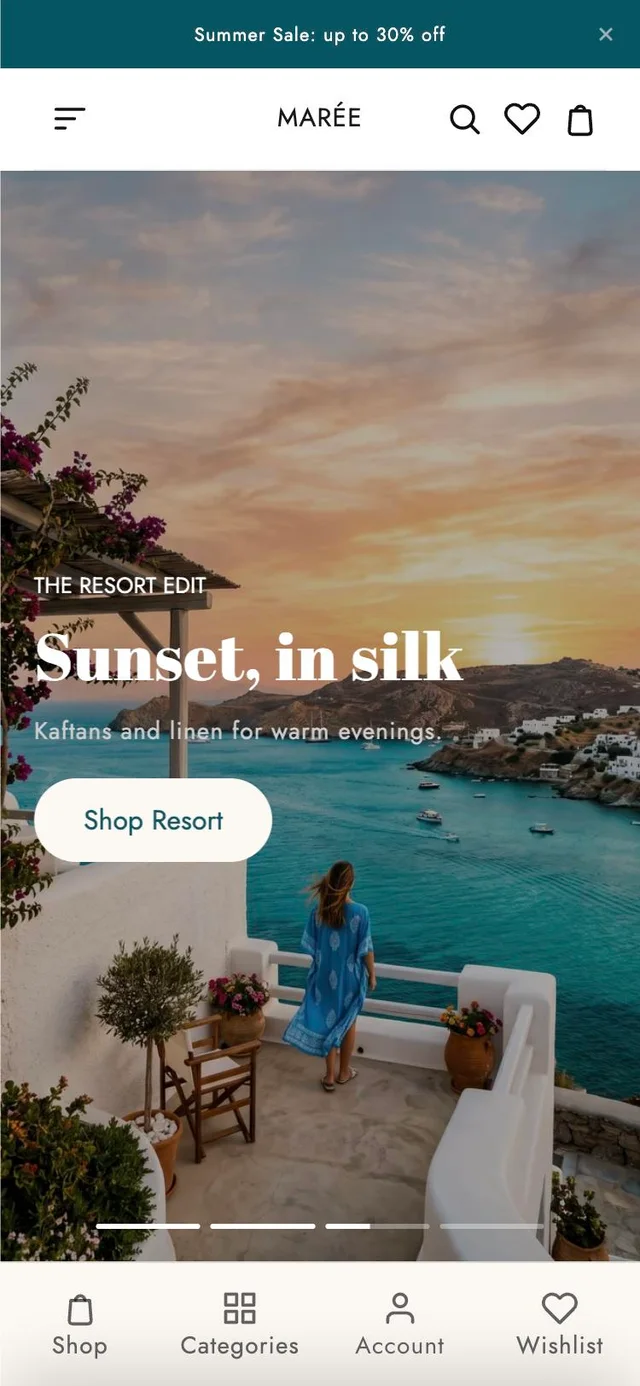
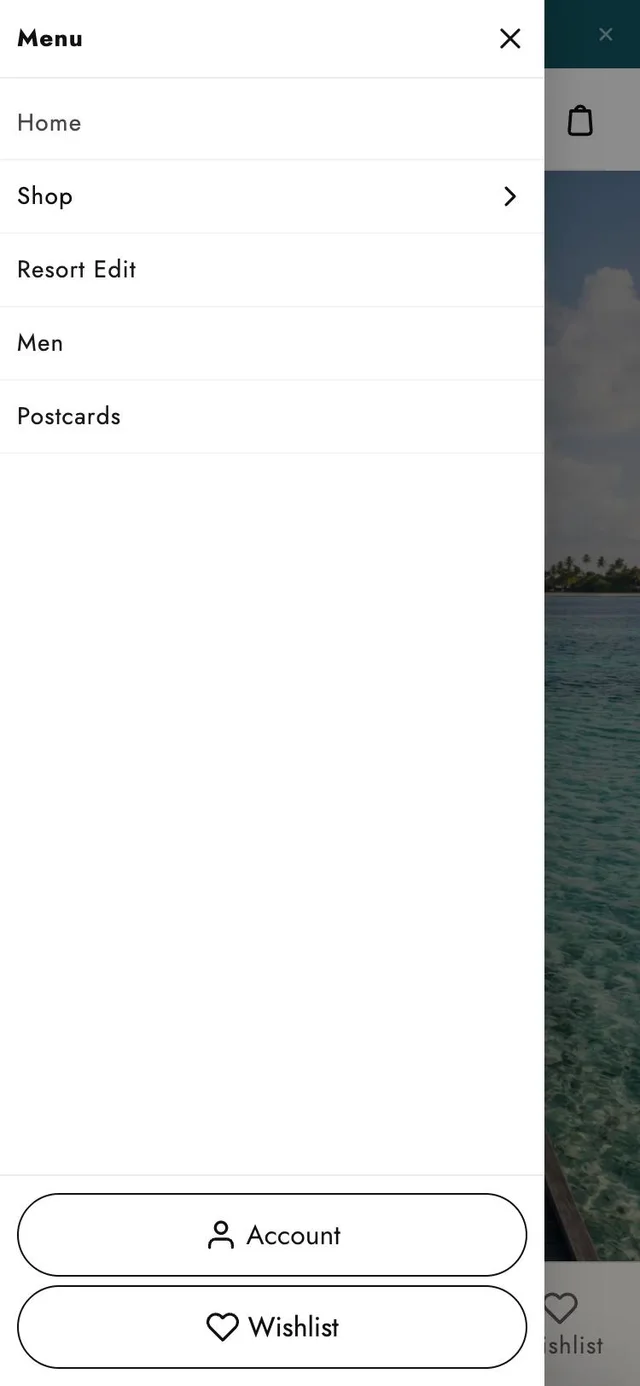
Header style#
Choose one of five header styles in Header style. Each places the logo, menu and icons differently. Then set:
- Logo: the logo comes from Theme settings → Logo. On mobile, choose whether it sits left, centre or right.
- Menus: pick the main menu from Online Store → Navigation. Some styles have a second menu.
- Sticky header: Disable, Always sticky, or On scroll up (the header hides while scrolling down and returns when scrolling up).
- Icons: search, account, wishlist, compare and cart.
- Selectors: language and country/currency selectors. They appear once you add languages or markets in Shopify.
- Mobile drawer: what the mobile menu shows besides the links.
Build your menu#
- In your admin, open Content → Menus (or Online Store → Navigation).
- Edit Main menu. Drag items under another item to make a dropdown.
- In the theme editor, choose that menu in the header's Menus settings.
Mega menus#
A mega menu is a large dropdown with products, collections, banners or blog posts.
- In Header layouts, choose Add block and pick one of:
- Product list (Mega Menu)
- Collection (Mega Menu)
- Banner (Mega Menu)
- Blog posts (Mega Menu)
- In the block's For item setting, type the title of the menu item that should open it, for example
Women. - Add the products, collections or images the block asks for.
Menu items without a mega menu block open a normal dropdown if they have child links.
For item must match the menu item's title exactly. Letter case doesn't matter, but spelling and spaces do.
Above and below the header#
- Announcement Bar: rotating messages above the header, each with an optional link.
- Header Top Bar: a thin bar with social links, language and currency selectors, a phone number or a message.
- Mobile Bottom Bar: an app-style bar at the bottom of the screen on phones, with shortcuts such as shop, categories, account and wishlist. Each has its own label and icon.