React project structure
Open the React project, change its colours, and find the screens to copy.
Open the project#
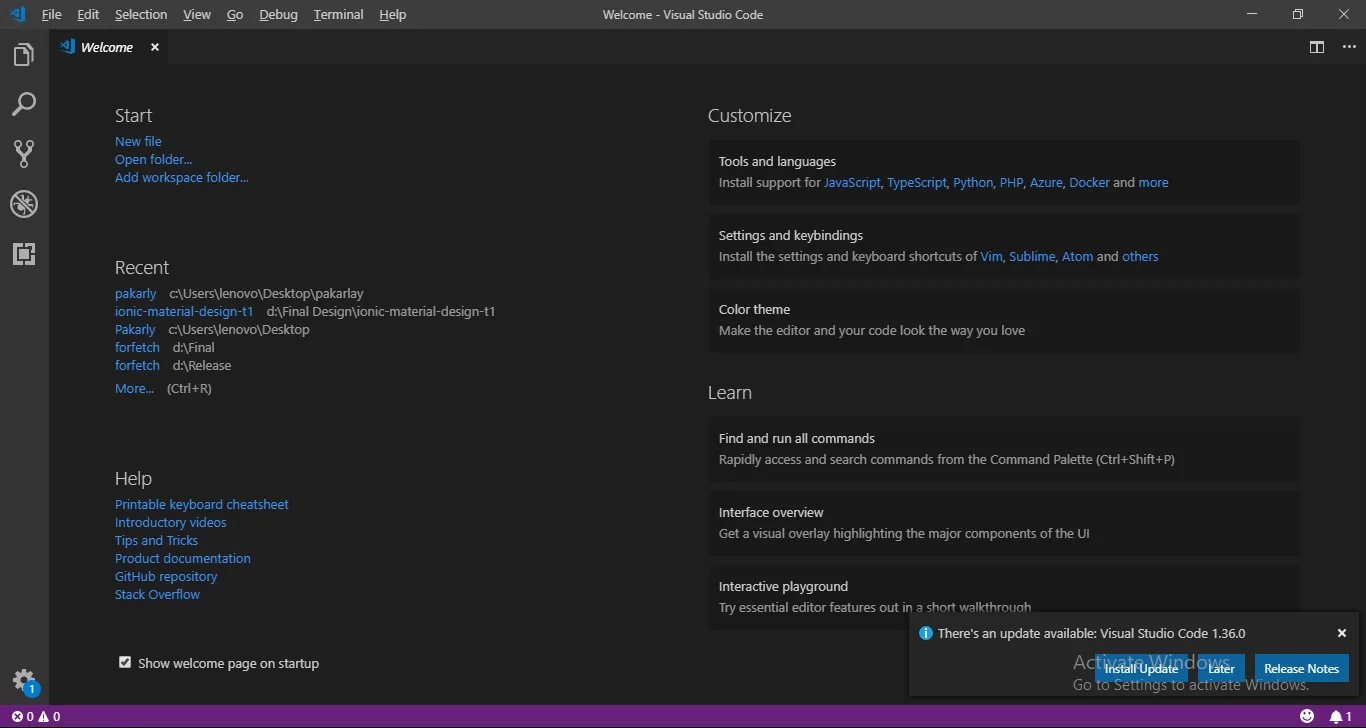
Open Visual Studio Code.
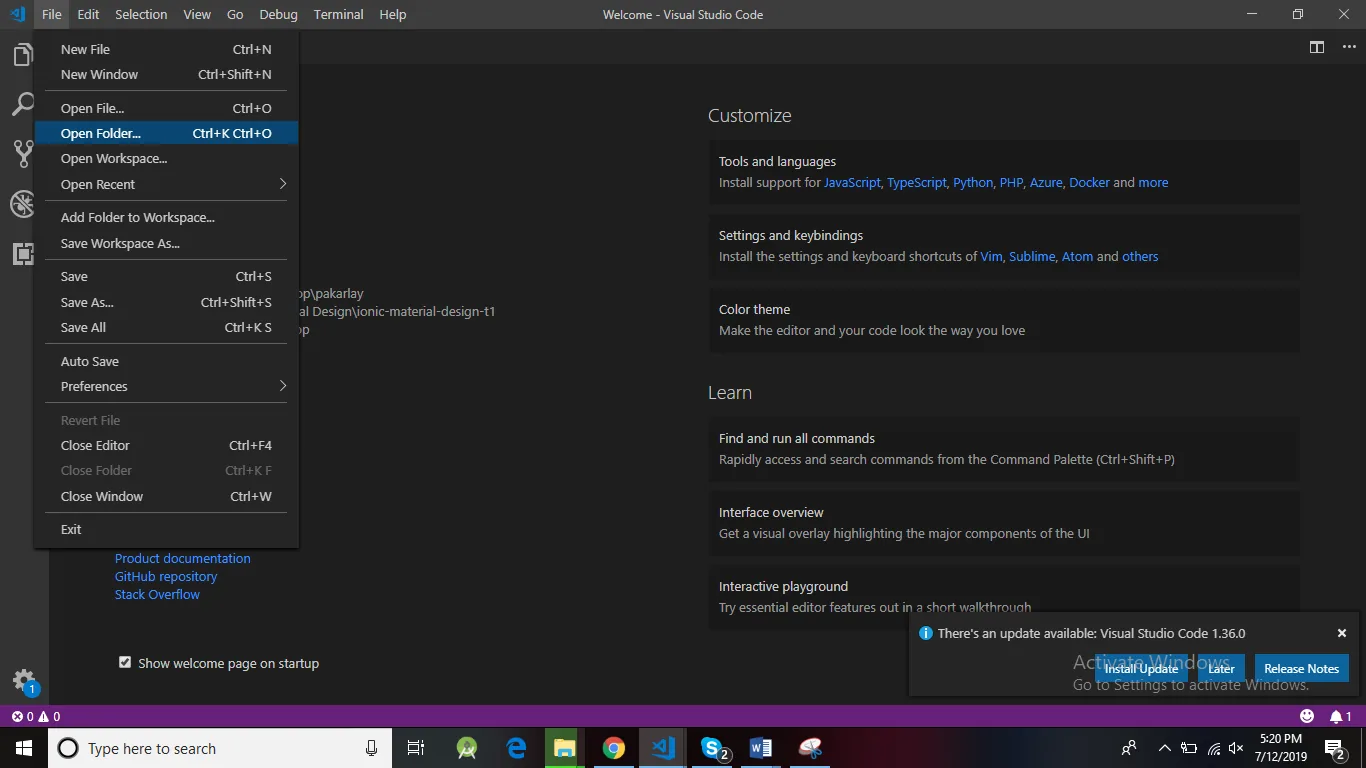
Choose File → Open Folder.
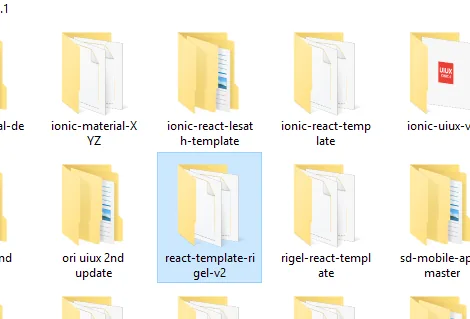
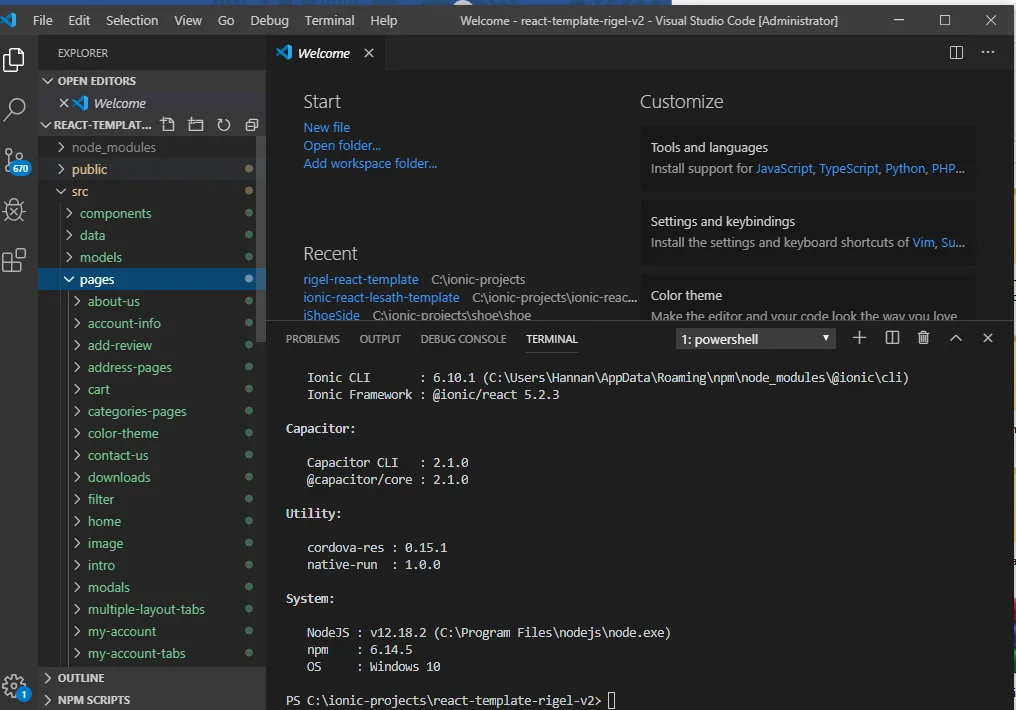
Select the project folder. The React version has one folder per source code: UIUX, mini apps, scripts and each template.
Check that the terminal is in the project folder.

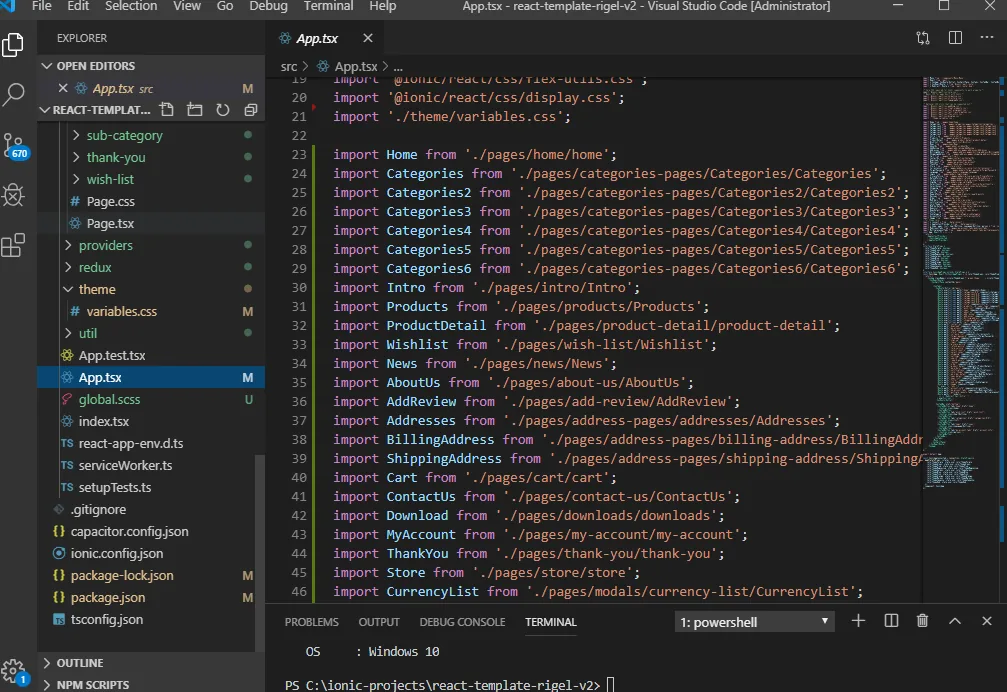
The project looks like this:
Change the colours#
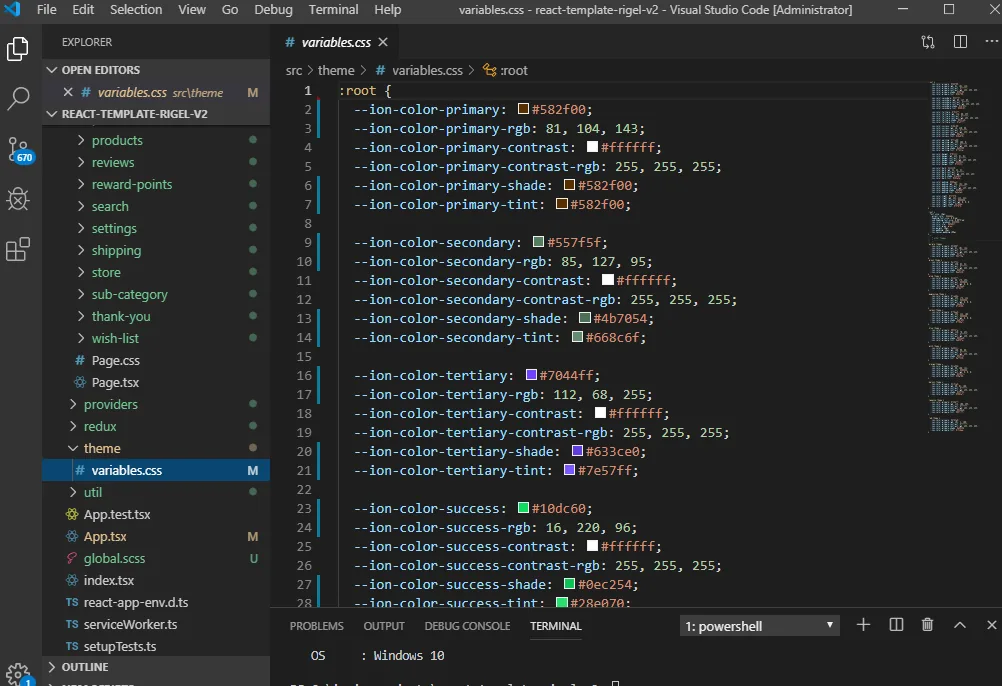
The colours are CSS variables in variables.css. To use your own, follow the same pattern: switch the default values for the colours you want, as in the commented examples.
Find a screen or component#
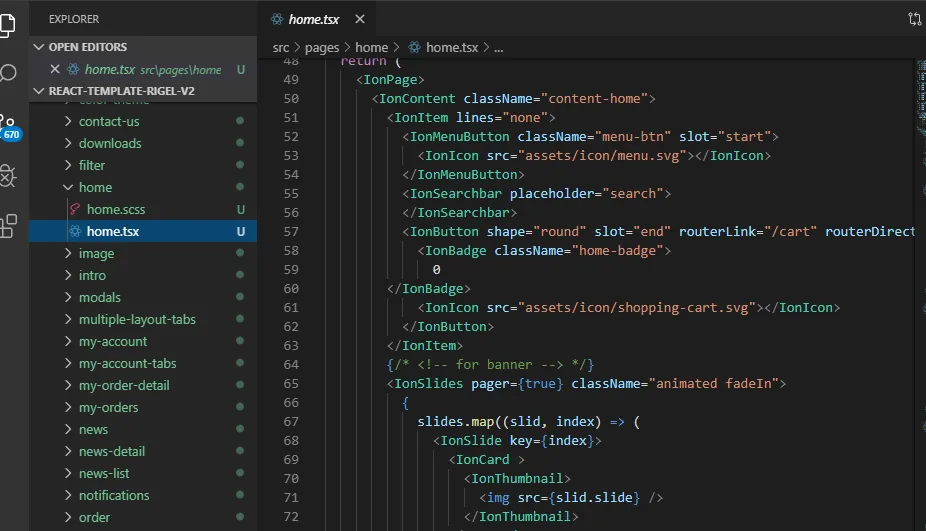
Every page is in its own folder under src/pages, with its page.tsx and page.scss. Copy the folder of the component or screen you want.
Use a template#
The Becrux, Lesath and Rigel templates are separate source codes, with the same structure as above.
Routes#
To get a page's route, open App.tsx and copy the paths you need. Comments in the file mark the paths.