
Installation
The pages work as they are: open website/index.html in a browser, or upload the contents of website/ to your host. The compiled CSS is already in website/css/. You only need the steps below if you want to edit the Sass files and recompile.
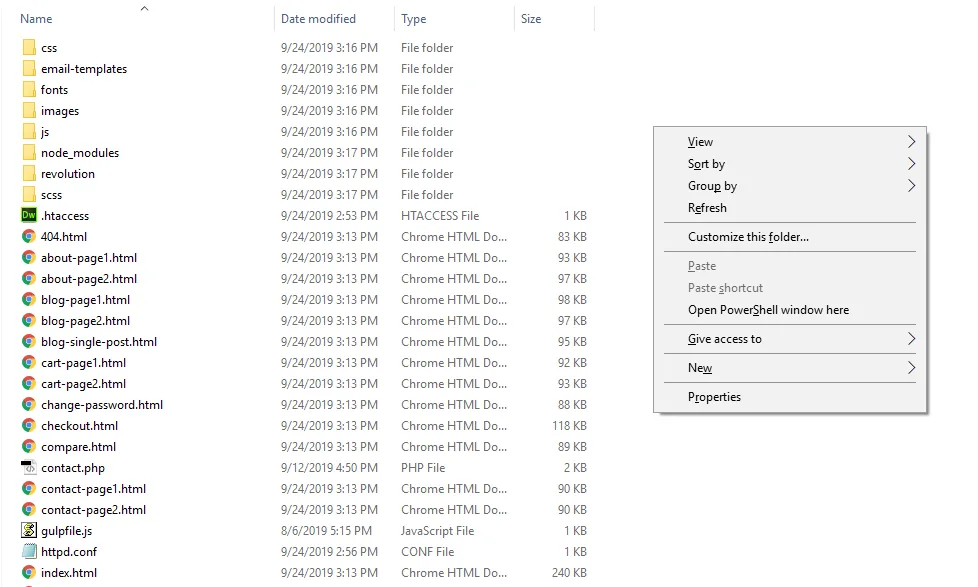
Set up the Sass build#
The build uses Gulp 3 and node-sass 4. These older tools only run on Node.js 10 or 11; on newer versions npm install or gulp fails (for example with primordials is not defined). Install Node.js 10 alongside your current version with a version manager such as nvm (macOS, Linux) or nvm-windows:
nvm install 10
nvm use 10
Then, in a terminal:
Go to the website folder:
cd websiteInstall the packages (Bootstrap, jQuery, Gulp and Sass):
npm installIf Sass complains about your environment, rebuild it:
npm rebuild node-sass
Run the development server#
npx gulp
This compiles scss/ into css/, opens the site in your browser with Browsersync (usually http://localhost:3000) and keeps running. Saving a .scss file recompiles the CSS and updates the page; saving an HTML file reloads it. Press Ctrl+C to stop.
There is no separate production build: Gulp writes the final CSS straight into css/. Upload the website/ folder (without node_modules/) when you're done.