
Layout options
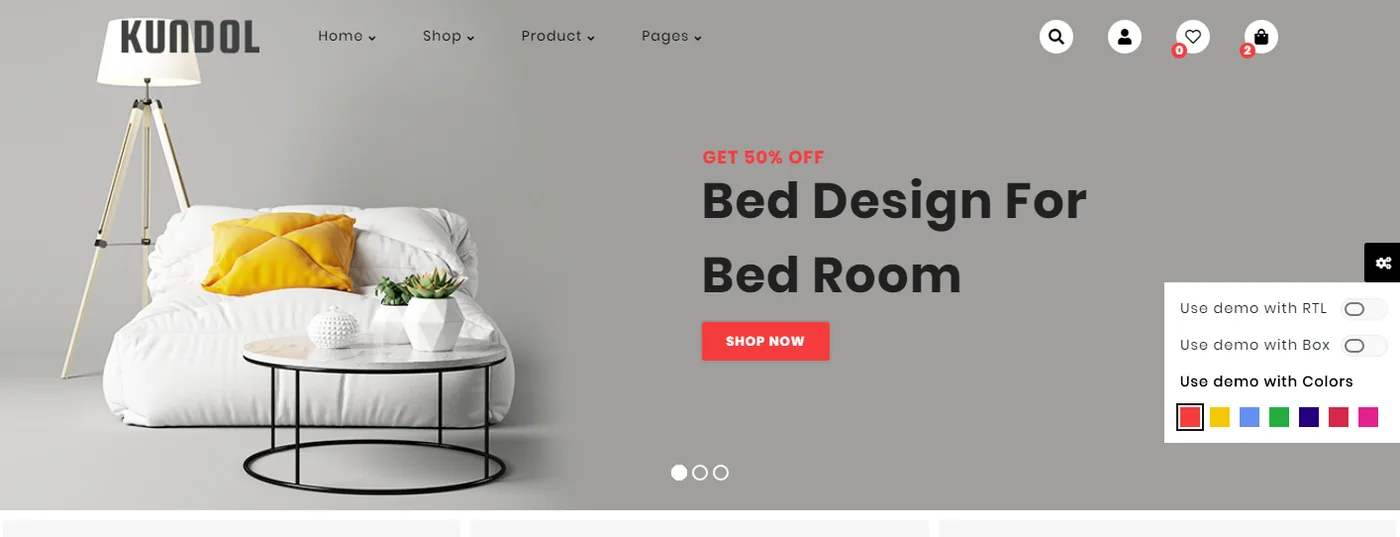
Each option below is a class you add to a page. The switcher on the right of the demo pages toggles them so you can preview, but it doesn't save anything: to keep an option, put the class in your HTML.
Right-to-left (RTL)#
For Arabic, Hebrew, Urdu and other right-to-left languages:
| Where | Add |
|---|---|
| Storefront | bodyrtl on <body>: <body class="bodyrtl"> |
| Admin panel | rtl on <body>: <body class="rtl"> |
Remove the class to go back to left-to-right. The RTL styles are already in the compiled CSS; the admin's come from scss/private/_rtl.scss.
Dark mode#
Both the storefront and the admin panel have a dark mode, turned on by a dark class on <body>:
<body class="dark">
On the storefront demo, the Dark button on the right side of the page toggles it; in the admin panel, use the Dark and Light options in the settings panel. Dark versions of each colour theme are in _variables.scss (for example .dark.color-theme-yellow).
Boxed layout#
The storefront is full width by default. For a boxed layout, add boxed to the <html> tag:
<html lang="en" class="boxed">
Mega menu#
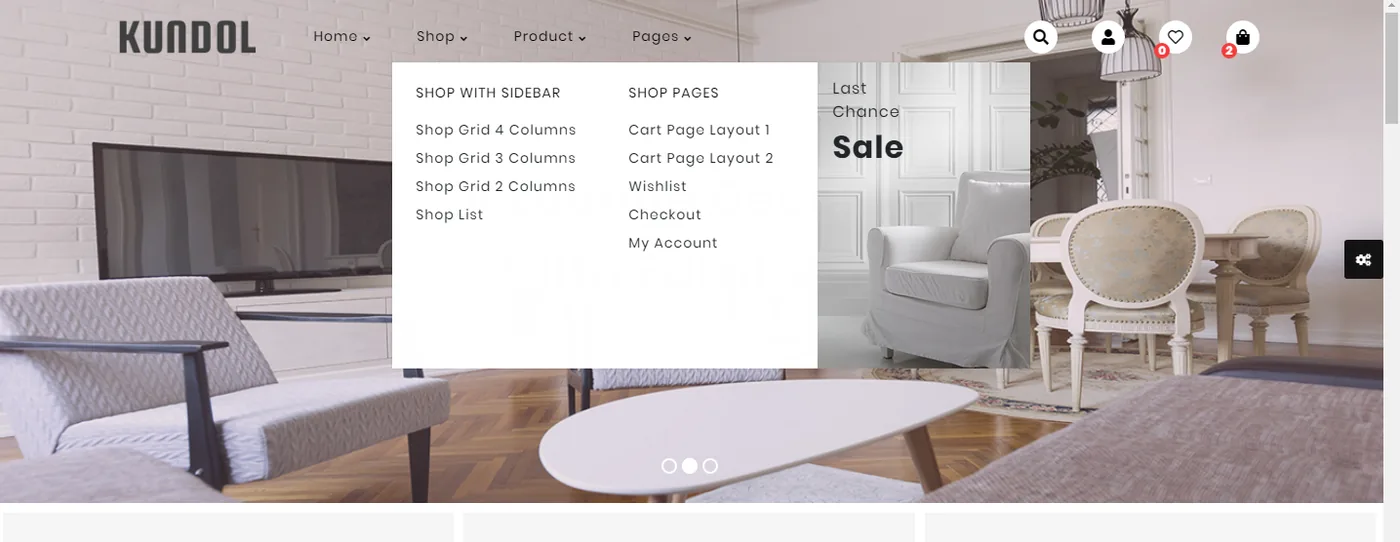
The headers include a mega menu that works like a site map: shoppers see your categories and pages at a glance. It's a Bootstrap dropdown with the mega-menu class; copy one from any home page header and change the links.
Popups#
The storefront has two modals:
- Newsletter: a subscribe popup that opens on the home page.
- Product quick view: opens from the eye icon on a product card, with images, price, options and an add-to-cart button.

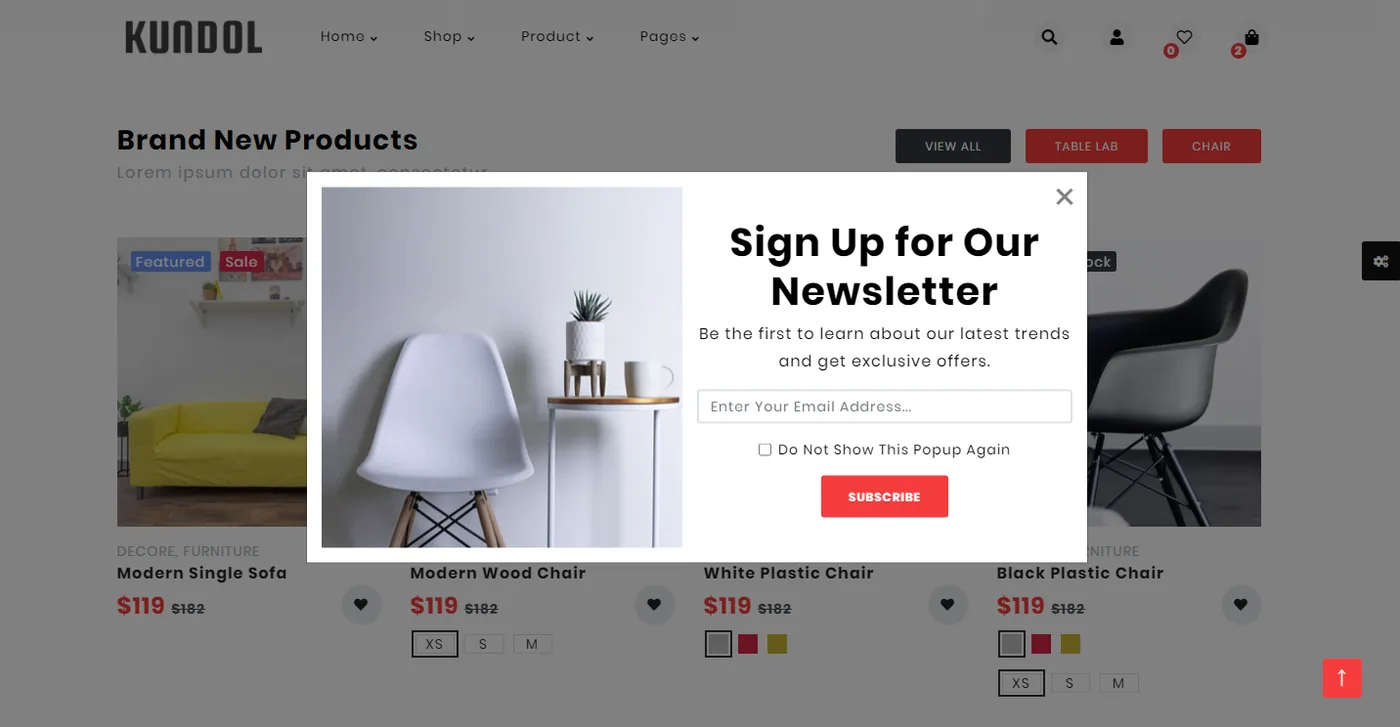
Their styles are in src/scss/components/_modal.scss and _popup.scss. The newsletter popup is the #newsletterModal block near the end of the home page; delete it to stop the popup. The quick view is #quickViewModal, opened by any button with data-bs-target="#quickViewModal".